User Guide
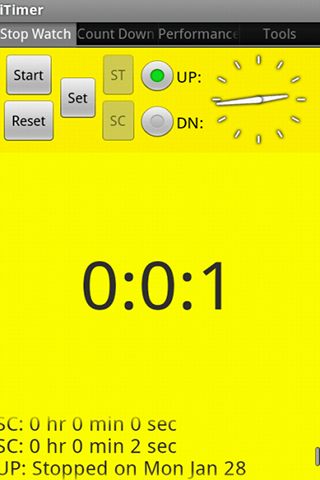
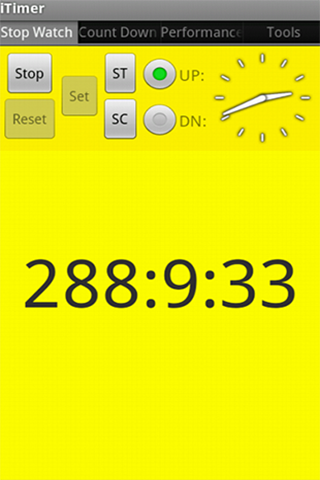 | Stop watch - You can select "UP" for counting up and "DN" forcounting down. - For counting down, click "Set" button to set thetime first. - "Set" / "Reset" buttons will be disabled duringthe counting. |
| During the counting, you can click "ST" / "SC" tomark the time.
ST: Mark the time and counting continues. SC: Mark the time and reset zero |
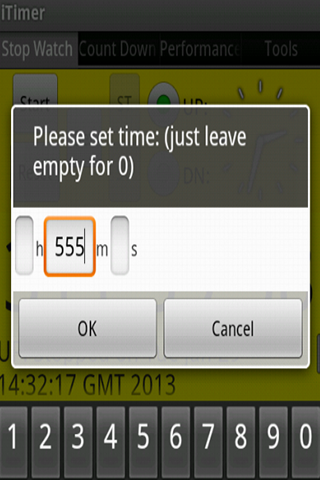
| Press "Set" button to set the time. The timerwill convert your input into hours, minutes and secondsautomatically. |
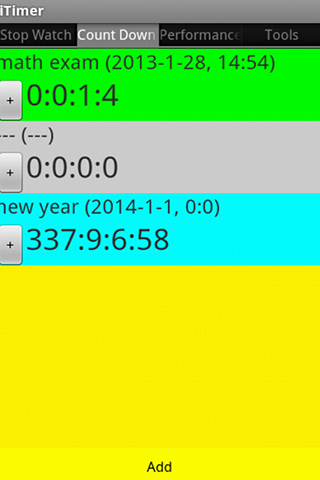
| Count Down - You can add up to 10 event count down timers |
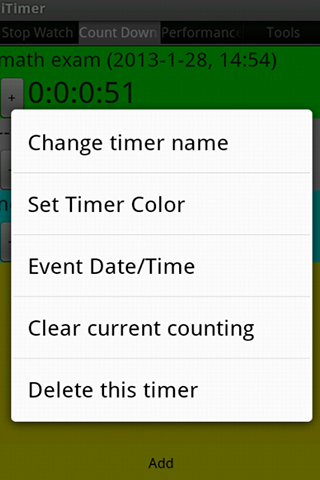
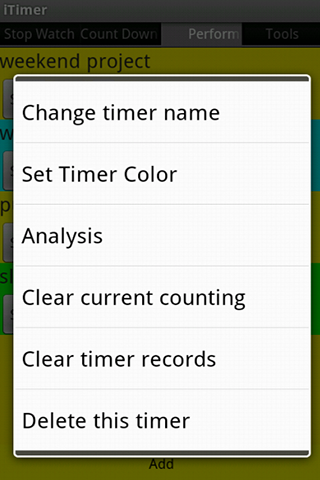
| Press the "+" button to get the control menu. |
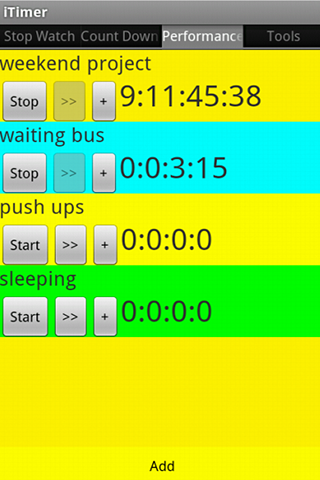
| Performance Measure - You can add up to 10 timers - Press ">>" button to record the duration. You canlater press "Analysis" to calculate the max, min and average.
- The ">>" button will be disabled during thecounting |
| Press the "+" button to get the control menu. |